Help center
Wavrr documentation
Everything about setting up Wavrr, sending consent forms, and keeping your client records in order. Start with the basics or jump to the section you need.
Browse by section
9 sections, from first setup through templates, signing and client records to billing and your data.
Getting started
Set up your account, learn how Wavrr works, and send your first consent form.
Learn moreWaiver templates
Build the consent forms your clients sign, add health questions, and handle minors.
Learn moreSending & signing
Share a link, print a QR code, sign in the studio, and collect photo ID.
Learn moreClient records & PDFs
Find consent history, re-send signed PDFs, and export records when someone asks for them.
Learn moreInk passport
Record the inks and pigments used in a session and look them up later.
Learn moreStudio & artists
Manage a multi-artist roster and track where each waiver is in the process.
Learn moreMobile app
Install the iPhone, iPad or Android app, and what it does differently from the dashboard.
Learn morePlans & billing
What the free plan includes, which paid plan fits, and how to change or cancel it.
Learn moreAccount, privacy & your data
Sign-in details, language and currency, where client data lives, and how to delete it.
Learn more4 articles
Getting started
Set up your account, learn how Wavrr works, and send your first consent form.
What Wavrr is and how it works
Wavrr is digital consent form software for tattoo, piercing and PMU studios. Here is the whole workflow in one page.
Create your account and finish onboarding
Sign up, complete the onboarding wizard, and get your first waiver template ready to send.
Sign your first test waiver
Send a waiver to yourself so you can see exactly what your client sees before a real session.
Add your studio details
Set your name, studio name and contact details so they appear correctly on every signed PDF and client email.
6 articles
Waiver templates
Build the consent forms your clients sign, add health questions, and handle minors.
Create your first waiver template
Build the reusable consent form your clients sign, with the fields, questions and consent text your studio needs.
Add health and medical questions
Collect the health, allergy and medication information you need before a session, without over-collecting.
Templates for tattoo, piercing and PMU
Why one template rarely covers all three disciplines, and how to split them without duplicating work.
Minors and guardian consent
Set your minimum signing age and the age below which a legal guardian must co-sign the waiver.
Set a default template
Choose which template new waivers use automatically, so you are not picking one every time.
Edit, duplicate or remove a template
Change a template safely, reuse one as the basis for another, and understand what removing it does to signed waivers.
5 articles
Sending & signing
Share a link, print a QR code, sign in the studio, and collect photo ID.
Share a waiver by link
Send a client a link they can open on their own phone to fill in and sign, before or during their appointment.
Print and place a QR code
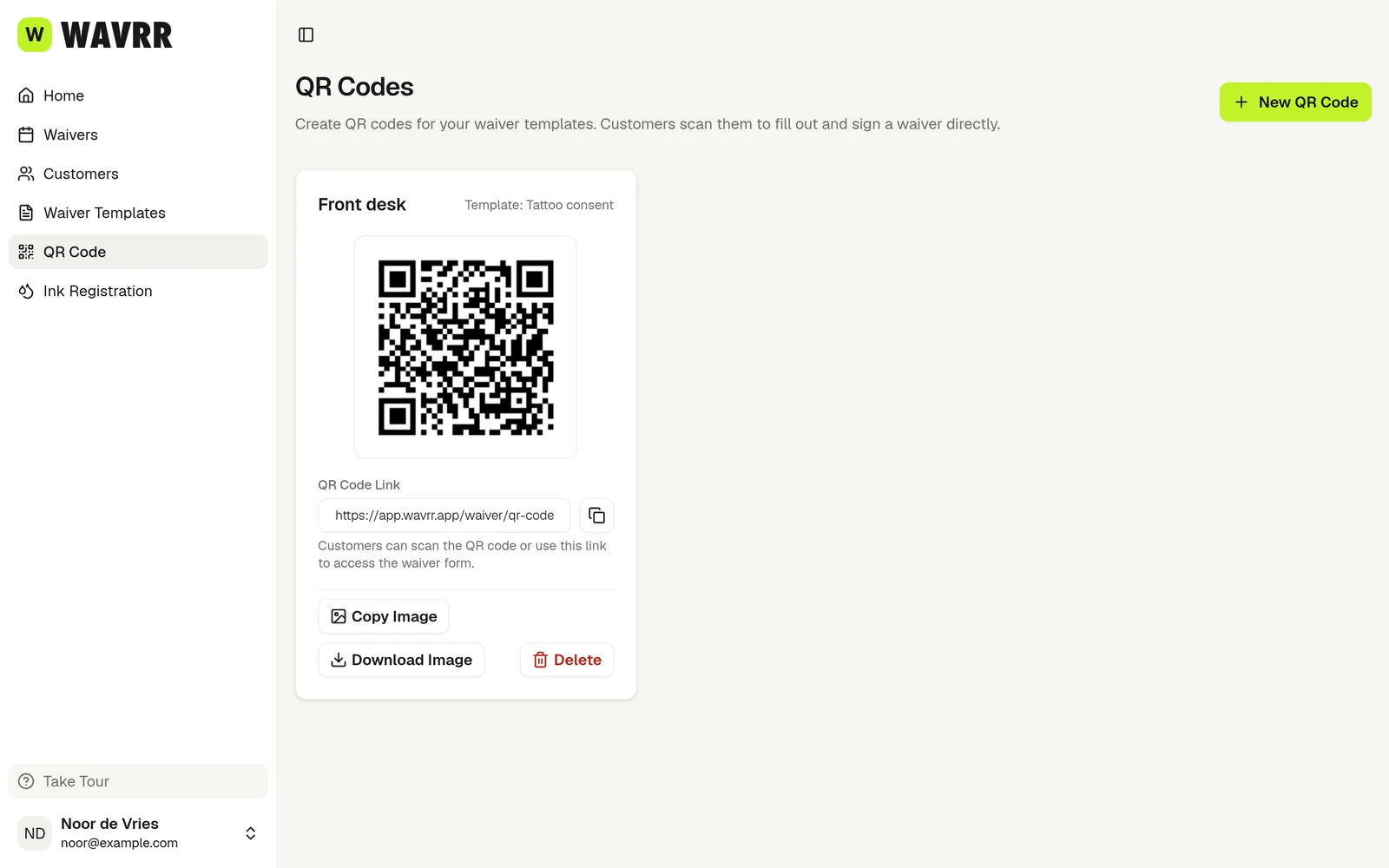
Put a QR code at your front desk so walk-in clients can scan it and complete their consent form themselves.
Sign in person on a phone or tablet
Complete a whole waiver on your own device with the client next to you, then add your signature.
Ask a client for photo ID
Collect a photo of a passport, ID card or driver's licence as part of the consent form, and know what it costs you in obligations.
What the client sees when they sign
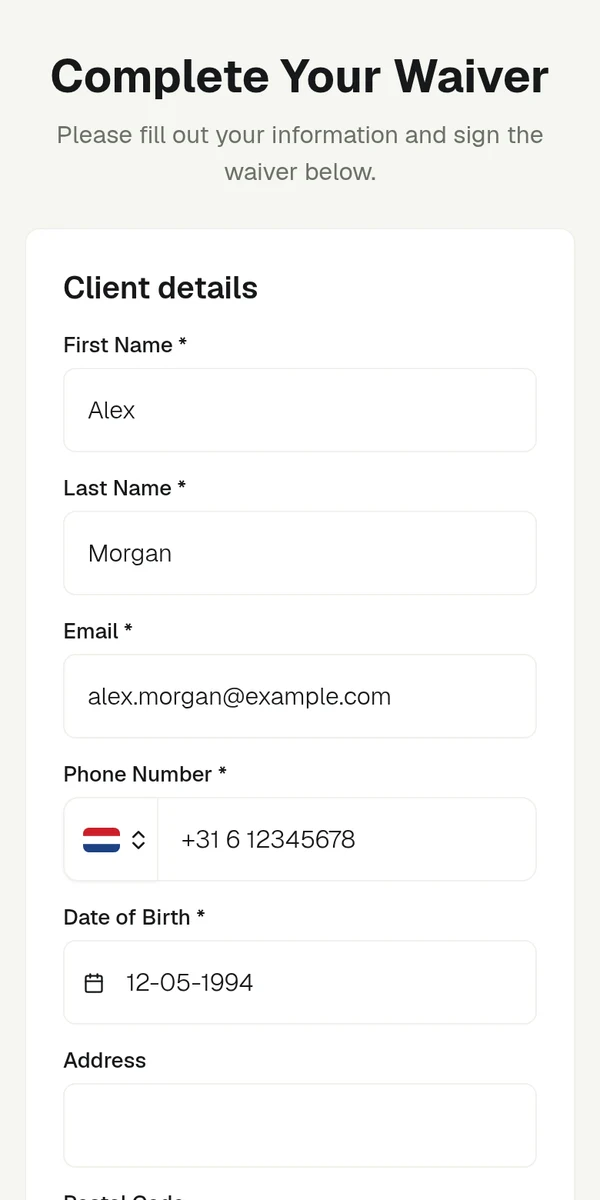
A walkthrough of the signing form from your client's side, so you know what you are sending them.
5 articles
Client records & PDFs
Find consent history, re-send signed PDFs, and export records when someone asks for them.
Find a client's consent history
Look up every waiver a client has signed, along with their details and health answers.
Download or re-send a signed PDF
Get the PDF of a completed waiver, and send a client their copy again when they cannot find the email.
The automatic confirmation email
What Wavrr emails your client after a waiver is completed, when it sends, and what to do when it does not arrive.
Export records for an inspection or audit
Download your waivers and ink passports in bulk when a health inspector, insurer or auditor asks for them.
Remove a waiver or a customer
How to remove a record, what it does to the client's history, and why you should think before you do.
3 articles
Ink passport
Record the inks and pigments used in a session and look them up later.
What an ink passport is
A record of the exact inks and pigments used in a session, kept alongside the consent form.
Save inks in Ink Registration
Build a library of the inks you use so you can add them to an ink passport in one tap instead of retyping batch numbers.
Create an ink passport for a session
Record which inks you used on a specific appointment and send the PDF to your client.
4 articles
Studio & artists
Manage a multi-artist roster and track where each waiver is in the process.
Add artists to your studio roster
Build a list of the artists working in your studio so you can record who performed each session.
Choose who signed a waiver
Attribute each completed waiver to the right artist, on the Artist plan and on the Studio plan.
Remove an artist
Take someone off your studio roster when they leave, without affecting the waivers they already signed.
Waiver statuses explained
What Draft, Sent to Customer, Pending Signature and Completed each mean, and what to do about them.
4 articles
Mobile app
Install the iPhone, iPad or Android app, and what it does differently from the dashboard.
Install the iOS or Android app
Get Wavrr on your iPhone, iPad or Android phone and sign in with the account you already use.
What you can do in the app
Which parts of Wavrr work in the mobile app, which still need the web dashboard, and why.
Start a waiver on your phone
The app gives you three ways to get a consent form signed — hand over your device, show a QR code, or share a link.
Upload photo ID from your phone
Photograph a client's ID in the app, and what the app does to the file before it uploads.
4 articles
Plans & billing
What the free plan includes, which paid plan fits, and how to change or cancel it.
What the free plan includes
How many consent forms you get for free, what happens when you reach the limit, and what is not restricted.
Artist vs Studio: which plan you need
The difference between the two paid plans, and the one question that decides it.
Change or cancel your plan
Upgrade, downgrade, switch to yearly, or cancel — for subscriptions bought through the website.
Purchases made in the mobile app
If you subscribed inside the iPhone, iPad or Android app, Apple or Google handles your billing — here is how to manage it.
5 articles
Account, privacy & your data
Sign-in details, language and currency, where client data lives, and how to delete it.
Change your email or password
Update your sign-in details, reset a forgotten password, and what to do when an artist leaves the studio.
Change your language, country or currency
Set the language Wavrr uses, the country that controls your date format, and the currency you are billed in.
Where Wavrr stores your data
Where your client records live, who can reach them, and which side of the GDPR line you are on.
Request an export of your data
Get a copy of everything in your account — for your own records, for a client's GDPR request, or because you are leaving.
Remove your account
Close your Wavrr account permanently, and what to do first so you do not lose records you are obliged to keep.