A Google Forms alternative for signed tattoo consent

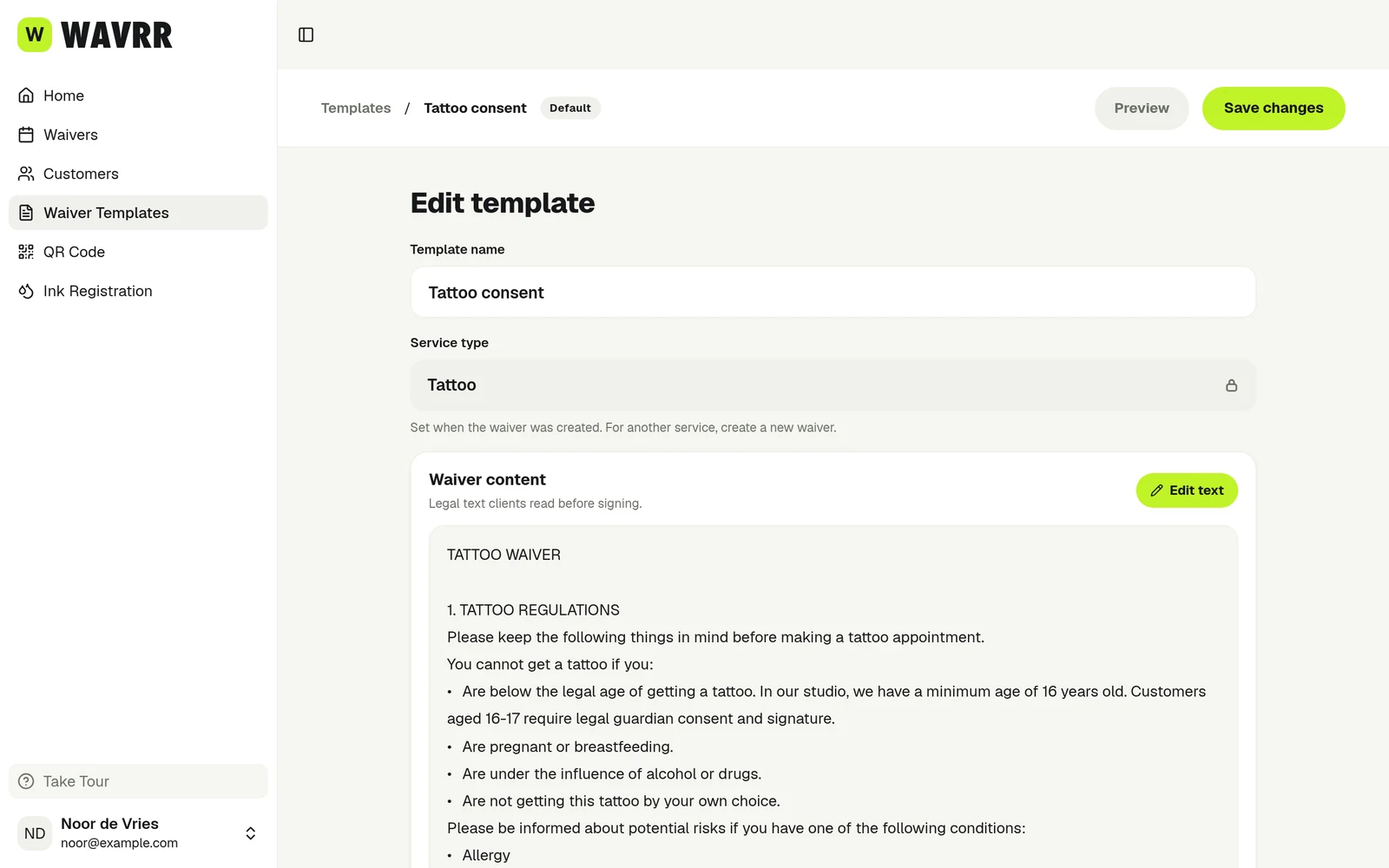
Google Forms is a free, general survey builder that many studios use as a first digital consent form. Wavrr is built for tattoo, piercing and PMU consent, with a drawn signature, signed PDFs and a record filed under each client.

Available on iPhone, Android, and in your browser.

Is Wavrr a good Google Forms alternative?

For questionnaires, feedback surveys and simple intake questions, Google Forms is free and hard to beat. For tattoo, piercing and PMU consent, the gap is the signature and the record. Google's help pages list no signature or drawing question type in Forms, and responses land in a spreadsheet rather than a signed document per client. At the time of writing (October 2026), Forms is free with a Google account and included in every Google Workspace plan. Google's own eSignature feature works in Docs and PDFs, not in Forms, and Google's pricing page lists it from Business Standard ($14 per user/month) upwards. Wavrr's Artist plan is $14.50/mo with unlimited consent forms. Check Google's site for current plans.

A consent form needs a signature, not just a submit button.

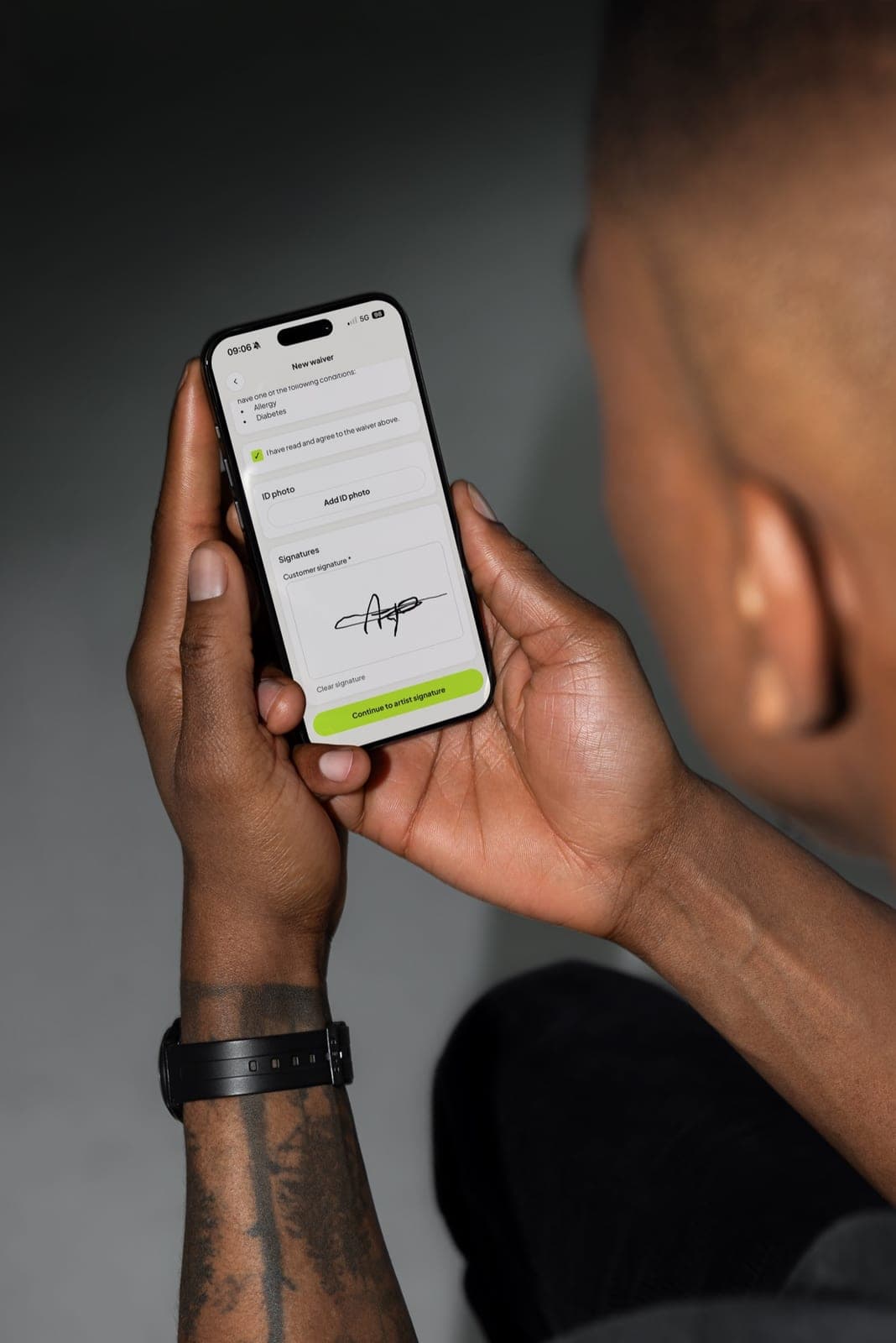
Google Forms has no native signature field, so studios using it for consent rely on a typed name, a tick box, a paid add-on or a separate signing step. In Wavrr, the client draws their signature with a finger and the artist countersigns before the record is complete.

  • Client signs with a finger on their own phone or a studio tablet
  • Artist adds their own signature to finish the waiver
  • Guardian name and signature added automatically below your age threshold
  • Signing blocked below your minimum age
  • Required questions and consent boxes checked before submission
A row in a spreadsheet is not a signed consent record.

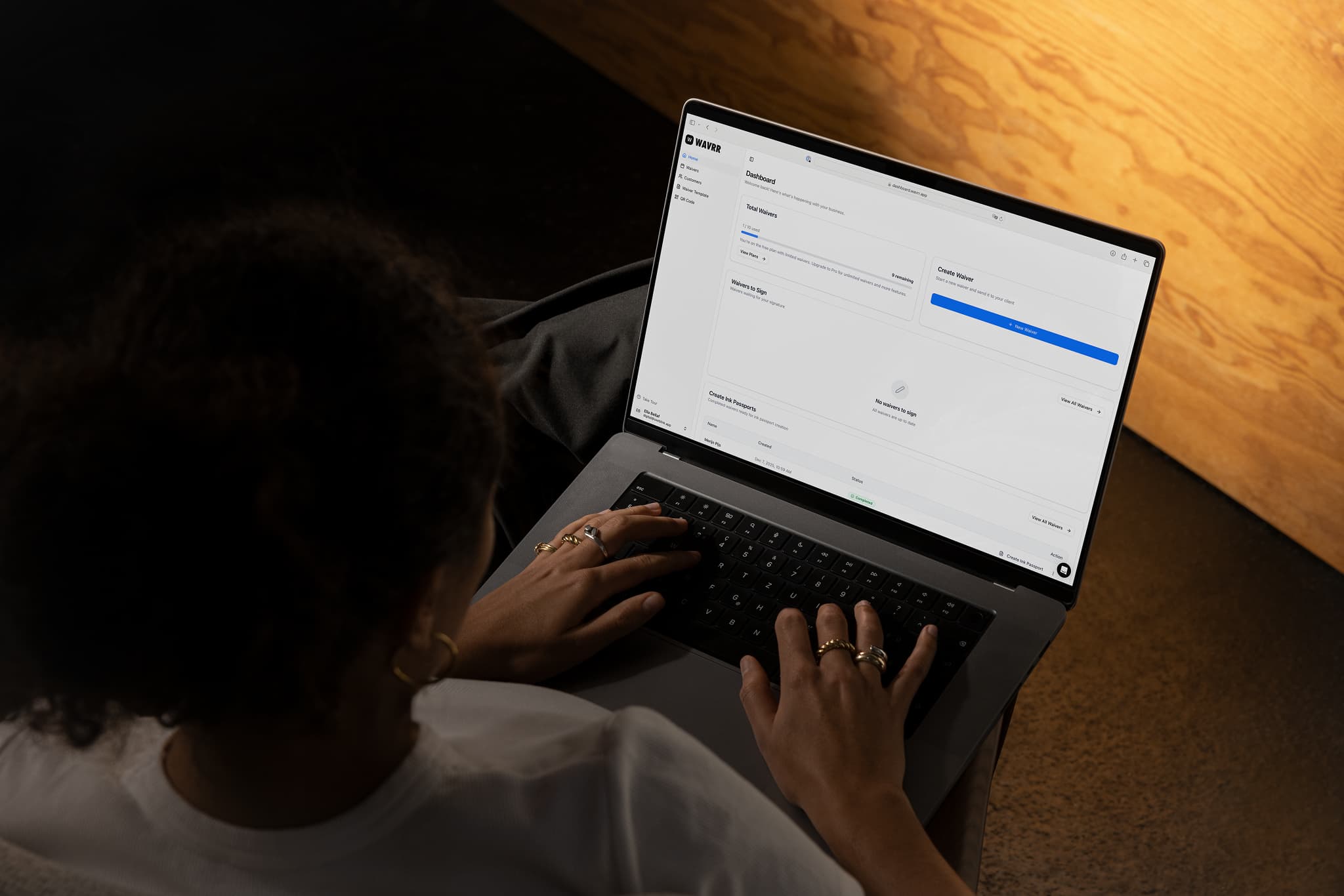
Forms collects answers into a response summary or a linked Google Sheet. Wavrr turns each signing into a PDF, emails the client a copy and files it under that customer, so you can find it again months or years later.

  • Automatic signed PDF with your studio logo
  • Confirmation email with the client's copy
  • One customer record with their full consent history
  • Bulk exports of waivers and ink passports for inspections
  • Ink registration and ink passports per session

No Google account needed to sign.

Google's help page says respondents must sign in to a Google account to answer a file upload question, which matters if you want a photo of the client's ID. Wavrr clients never install an app or create an account: they open a link or scan a QR code and sign.

  • Signing by link, QR code or on your own device
  • Optional photo ID attached to the waiver
  • Front-desk tablet resets itself for the next client
  • Tattoo, piercing and PMU templates you can customise
  • iOS and Android apps for signing in the studio

Free and familiar is a real advantage

Google Forms costs nothing with a personal Google account, most clients have seen one before, and it takes minutes to set up. For a booking questionnaire, a design brief, an aftercare check-in or a feedback survey, it is a sensible choice and Wavrr is not trying to replace it.

If you already pay for Google Workspace, Forms is part of every plan, and answers flow straight into Google Sheets. Studios that only need to collect unsigned information, and are happy to manage the spreadsheet themselves, may not need anything else.

Consent is a document, not a survey response

A consent record has to show who agreed, to what wording, on which date, and that they signed. Google Forms collects answers well but has no signature question type, so studios build workarounds: a typed name, a third-party signature add-on from the Workspace Marketplace, or a follow-up document sent through Docs eSignature. Each adds a step, and some add a separate monthly fee.

There is also the record itself. Responses sit in the form's summary and a linked sheet, and any uploads go into a folder in the form owner's Google Drive. Matching an answer row, an ID photo and a later session to the same client is work the studio has to organise by hand. Wavrr does that filing automatically, with a PDF per waiver and a history per customer.

Know where client health data ends up

Consent forms contain health disclosures, dates of birth and sometimes ID photos. With Google Forms, that data lives in whichever Google account owns the form, alongside everything else in that account's Drive. If an artist builds the form on a personal account and later leaves, the records leave with them. Check Google's current terms and data region options for your plan if location matters to you.

Wavrr stores waivers, PDFs and ID photos with Supabase inside the European Union, encrypted in transit and at rest where supported. You remain the data controller for your clients' data, and the records stay with the studio account rather than in a personal Drive.

Compare the full cost of a signed form

Forms on its own is free. The cost appears when you add signatures: either a Workspace plan that includes eSignature (listed from Business Standard at $14 per user/month on Google's pricing page in October 2026), or a third-party signature add-on, which is priced by its own vendor. Remember that Workspace is priced per user, so a studio with several artists pays per account.

Wavrr's Artist plan is $14.50/mo and the Studio plan is $39.50/mo for multi-artist studios, with unlimited consent forms and no per-waiver fees. The free plan includes three consent forms with the full feature set, so you can compare the signing flow side by side before paying anything.

Quick answers for buyers.

Can Google Forms collect a signature?

Not natively. Google's help page lists the available question types and none of them is a signature or drawing field. Studios usually add a third-party add-on from the Workspace Marketplace or collect the signature separately. Check Google Forms's current feature list, as this can change.

How much does Google Forms cost?

At the time of writing (October 2026), Forms is free with a personal Google account and included in every Google Workspace plan. Google's pricing page lists Business Starter at $7, Business Standard at $14 and Business Plus at $22 per user/month, with Enterprise on request. eSignature in Docs and PDFs is listed from Business Standard. Check Google's site for current prices.

Is Wavrr more expensive than Google Forms?

Forms is free and Wavrr's paid plans start at $14.50/mo, so on headline price Google Forms wins. The comparison changes once you add a signature add-on or a Workspace plan with eSignature, and the time spent filing responses. Wavrr's free plan lets you try three real consent forms first.

Can I use Wavrr with Google Forms?

Yes. Some studios keep Google Forms for booking enquiries, design briefs or feedback, and use Wavrr only for the consent form the client signs before the session. Send the Wavrr link or show the QR code once the appointment is confirmed.

Do my clients need a Google account to sign in Wavrr?

No. Clients open a link or scan a QR code, fill in the form and sign with their finger. They never install an app or create an account.

Can I move my Google Forms consent wording into Wavrr?

Yes. Build a Wavrr template with your own consent text, health questions and extra consent checkboxes, then sign a test waiver on your phone before sending it to clients. Have your wording reviewed locally, as Wavrr does not provide legal advice.


