A consent form for every procedure.
Start from a tattoo, piercing or PMU template and make it yours. Choose what to ask, write your own consent text and set the ages that apply.
Available on iPhone, Android, and in your browser.

Ask exactly what you need to know.
Turn sections on or off and mark each field as required or optional. Add your own questions and extra consent checkboxes for anything specific to your work.
- Client details, address and medical questions
- Placement and description for tattoo work
- Custom questions and extra consents
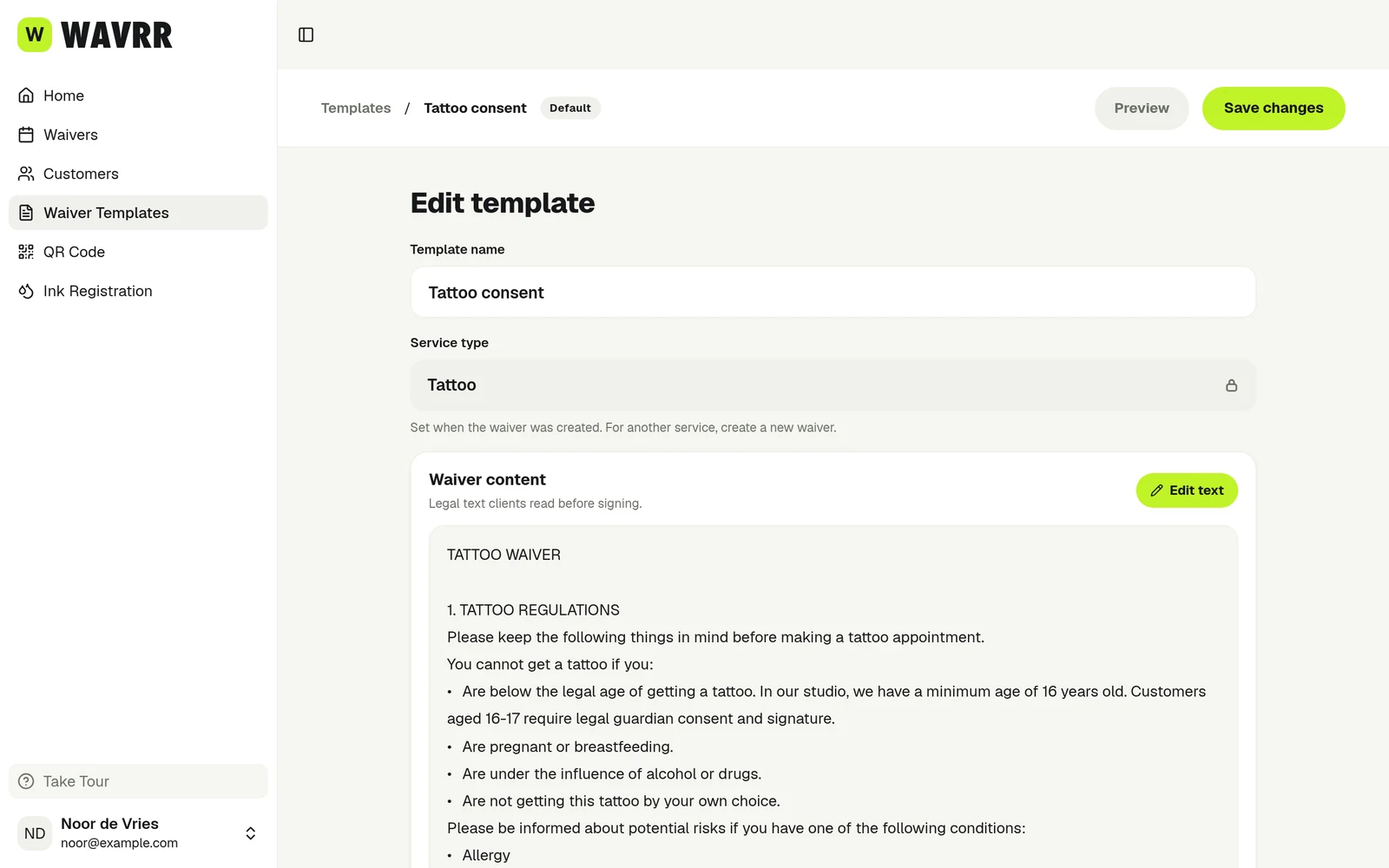
Minors and guardians, handled at signing.
Set a minimum age and a guardian age per template. A client below the guardian age gets a second signature box for their guardian on the spot.
- Clients below the minimum age cannot sign
- Guardian name and signature on the PDF
- Different ages per discipline

Or start with a form made for you.
Tell us what you offer, where you work and which language your clients read, and we’ll prepare a template you can review and edit.
- Tattoo, piercing or PMU
- Matched to your country and region
- Written in your clients’ language

Templates that keep up with your studio.
 Template readyPMU · Lip blush
One per procedure
Keep a separate template for each procedure, with its own questions and wording.
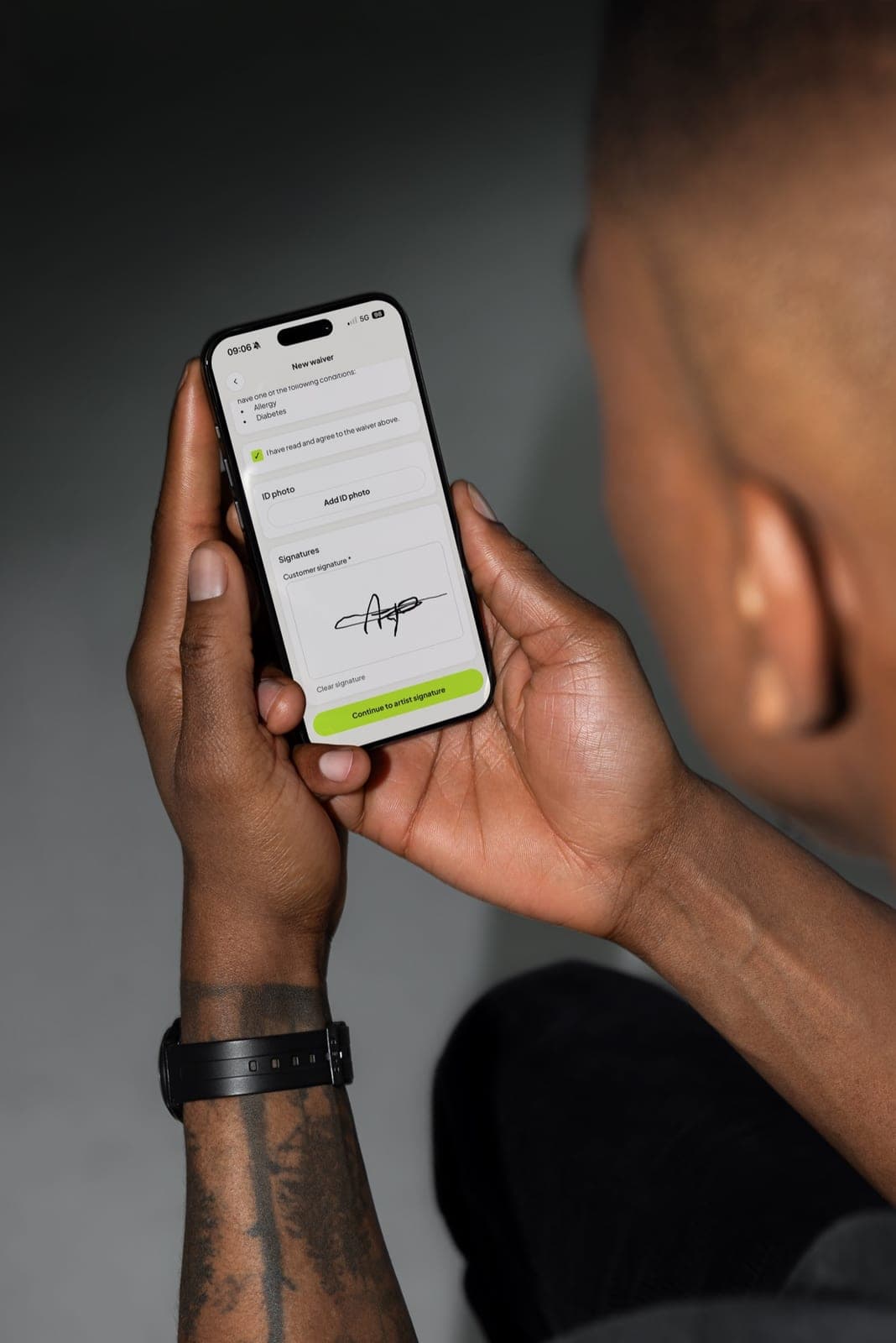 Signed PDF savedWording as signed on Oct 23
Signed wording is kept
Editing a template never changes a form that was already signed.
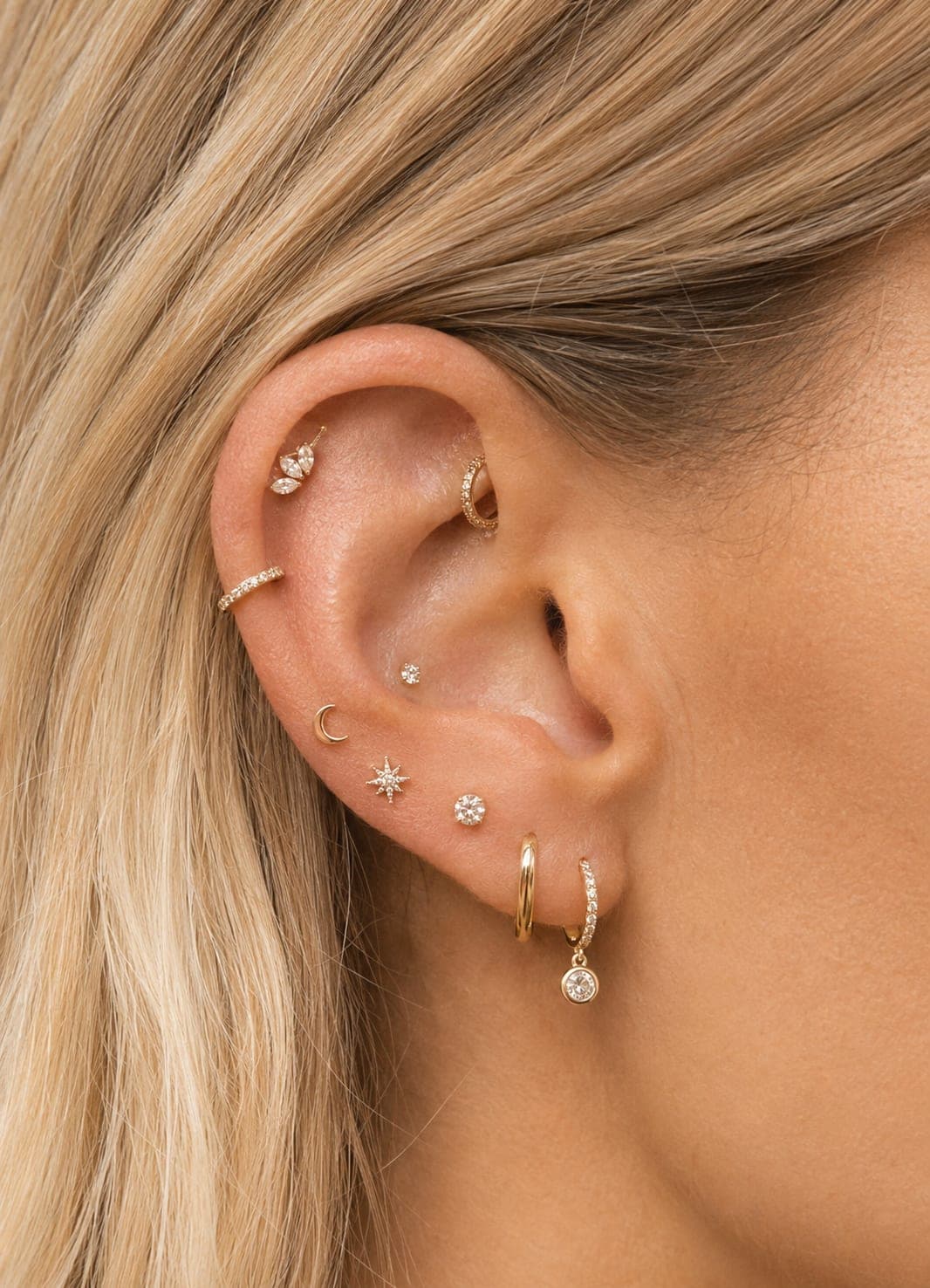 Signed at the front deskPiercing consent · QR code
A link and QR code each
Every template has its own signing link and QR code.
What artists say.
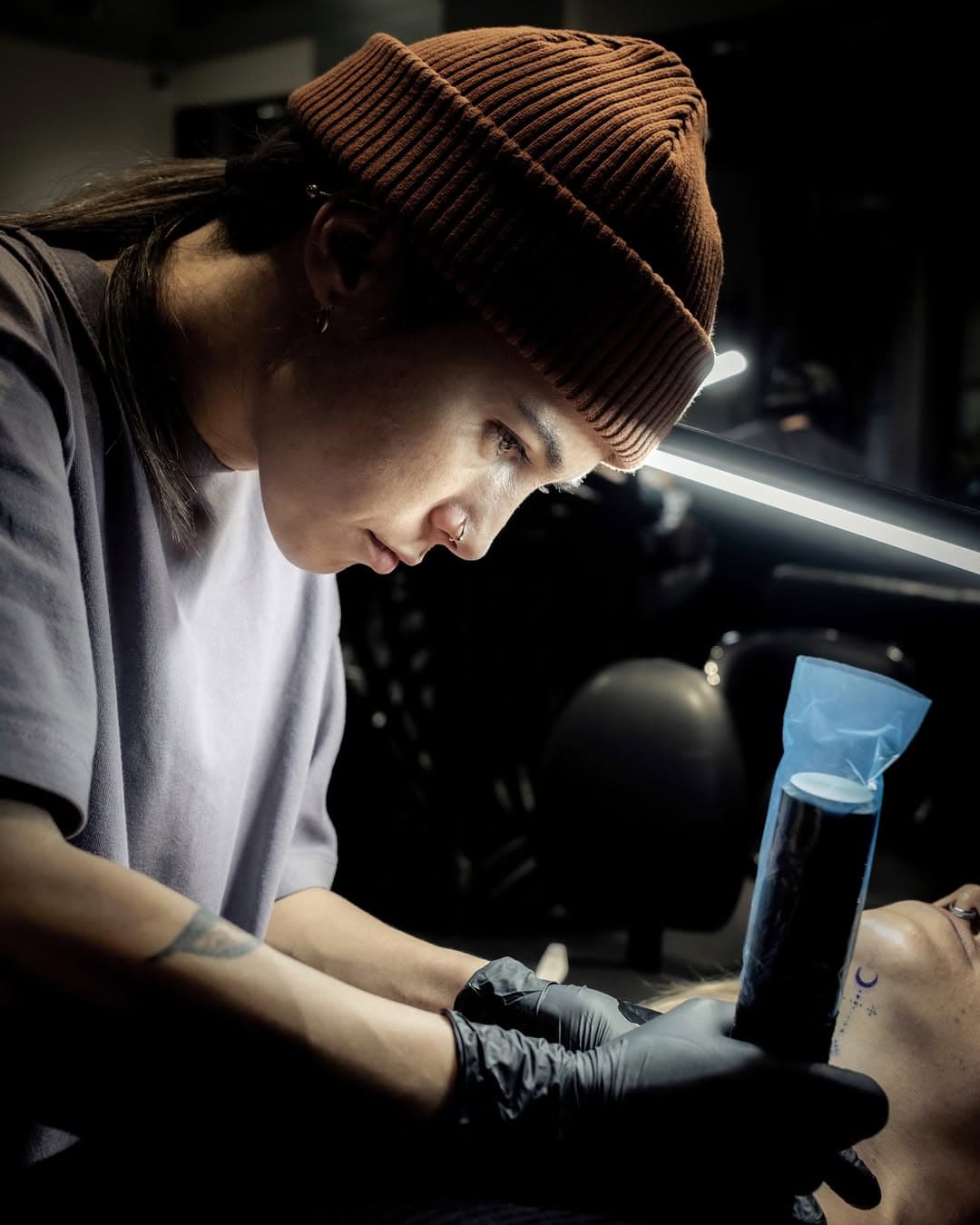
“I want my clients to give complete consent before we start. This way we're both at ease, my client is clear on what to expect, and I'm confident they will know how to care for the piece once it's part of them.”
Ozlem Kocahalilogullari · @ozlem.ink (opens in a new tab) 
“Putting art on clients skin is amazing but it's permanent. It's our job to make sure the client is well informed and fully ready for the session!”
Jeffrey de Vries Andries · @Inkdistrictamsterdam (opens in a new tab) 
“I always want to be completely prepared for my sessions. Using Wavrr makes sure all necessary forms and client instructions are handled in a very easy and professional way.”
Becca Maurity · @beccamaurity (opens in a new tab)
Frequently asked questions
Can I write my own consent text?
Yes. Every template starts from Wavrr’s standard wording for your service, and you can edit all of it. Wavrr does not give legal advice, so check the wording against your local rules.
Can I have different forms for tattoo and piercing?
Yes. Create one template per procedure. Each has its own questions, consent text, signing ages, link and QR code.
What happens to signed forms when I edit a template?
Nothing. A signed form keeps a snapshot of the wording the client agreed to.