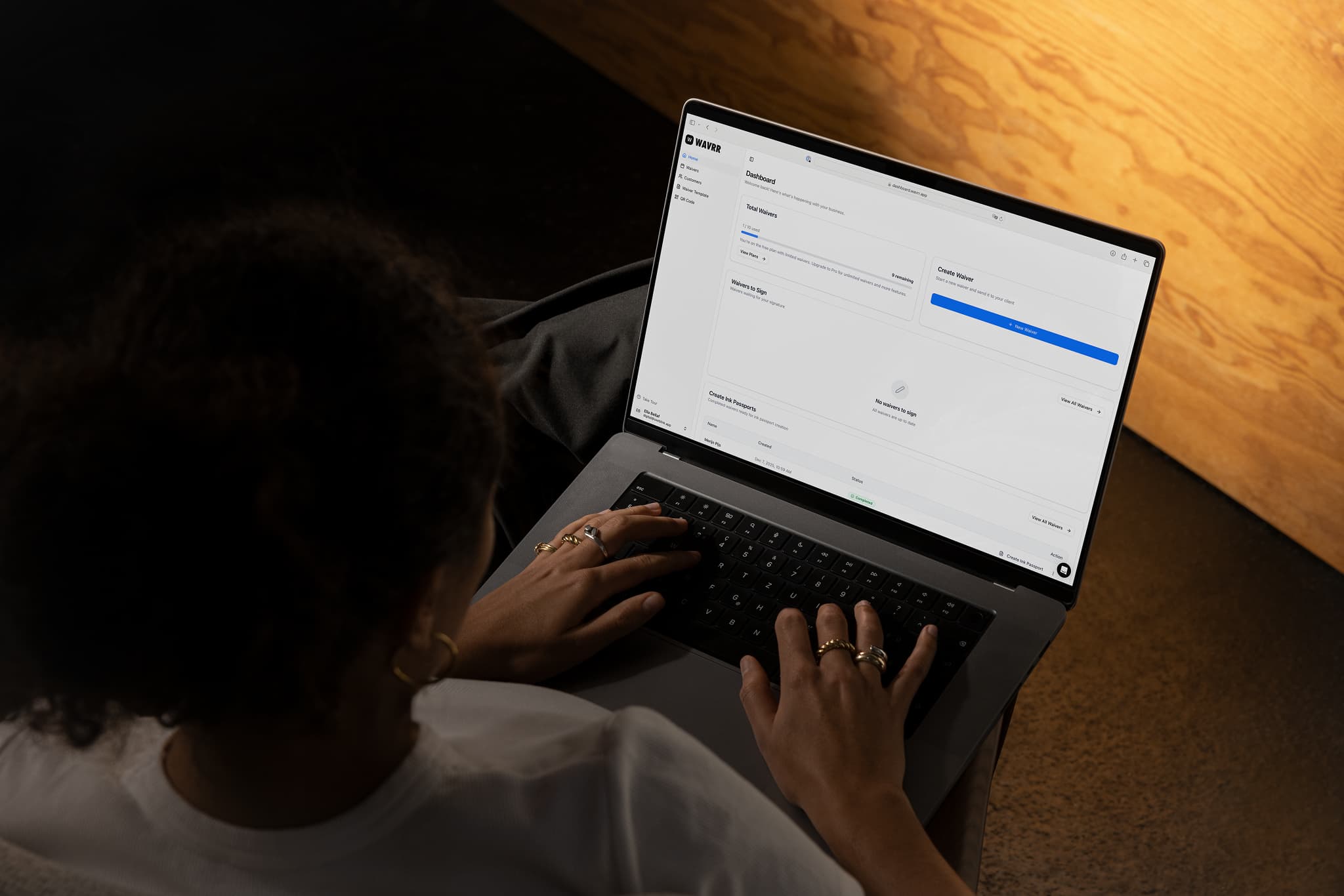
Clients sign on their own phone.
Send a link before the appointment, show a QR code at the desk or hand over your tablet. Your client never installs anything or makes an account.
Available on iPhone, Android, and in your browser.
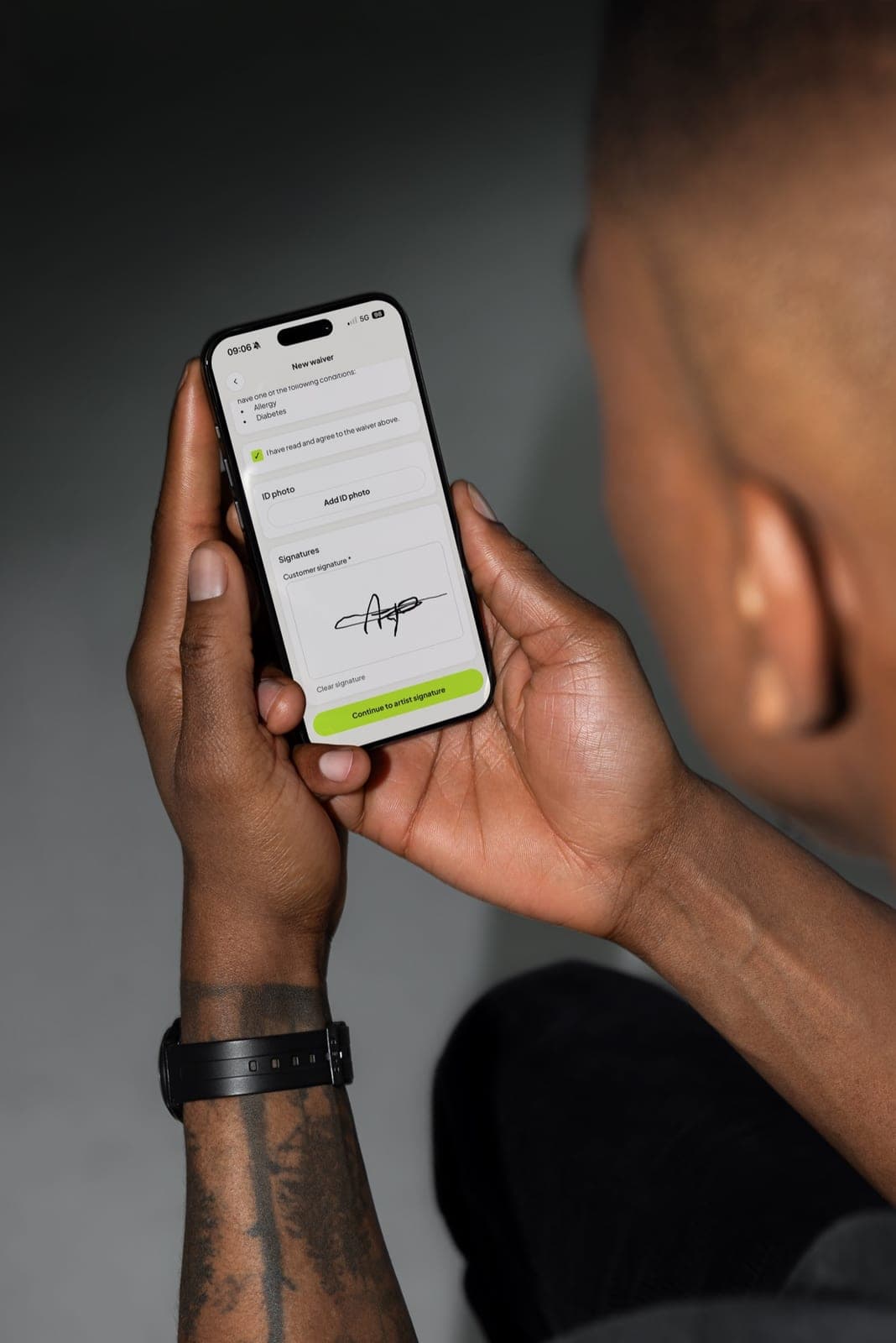
Signed before they walk in.
Paste the signing link into WhatsApp, an Instagram DM or your booking confirmation. Clients fill in the form at home and arrive ready.
- One link per template
- Works in any phone browser
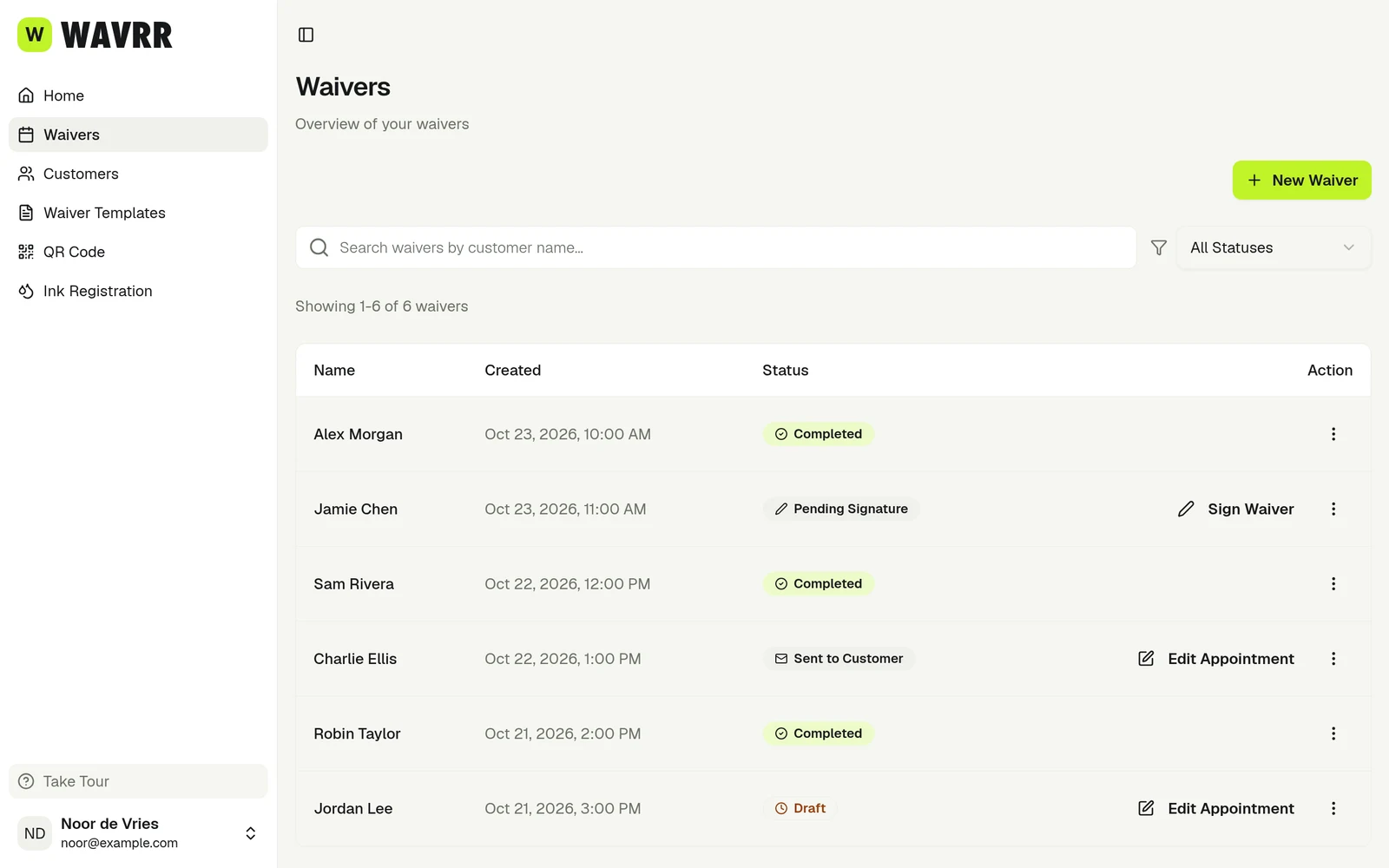
- Waiver moves to Pending Signature for you
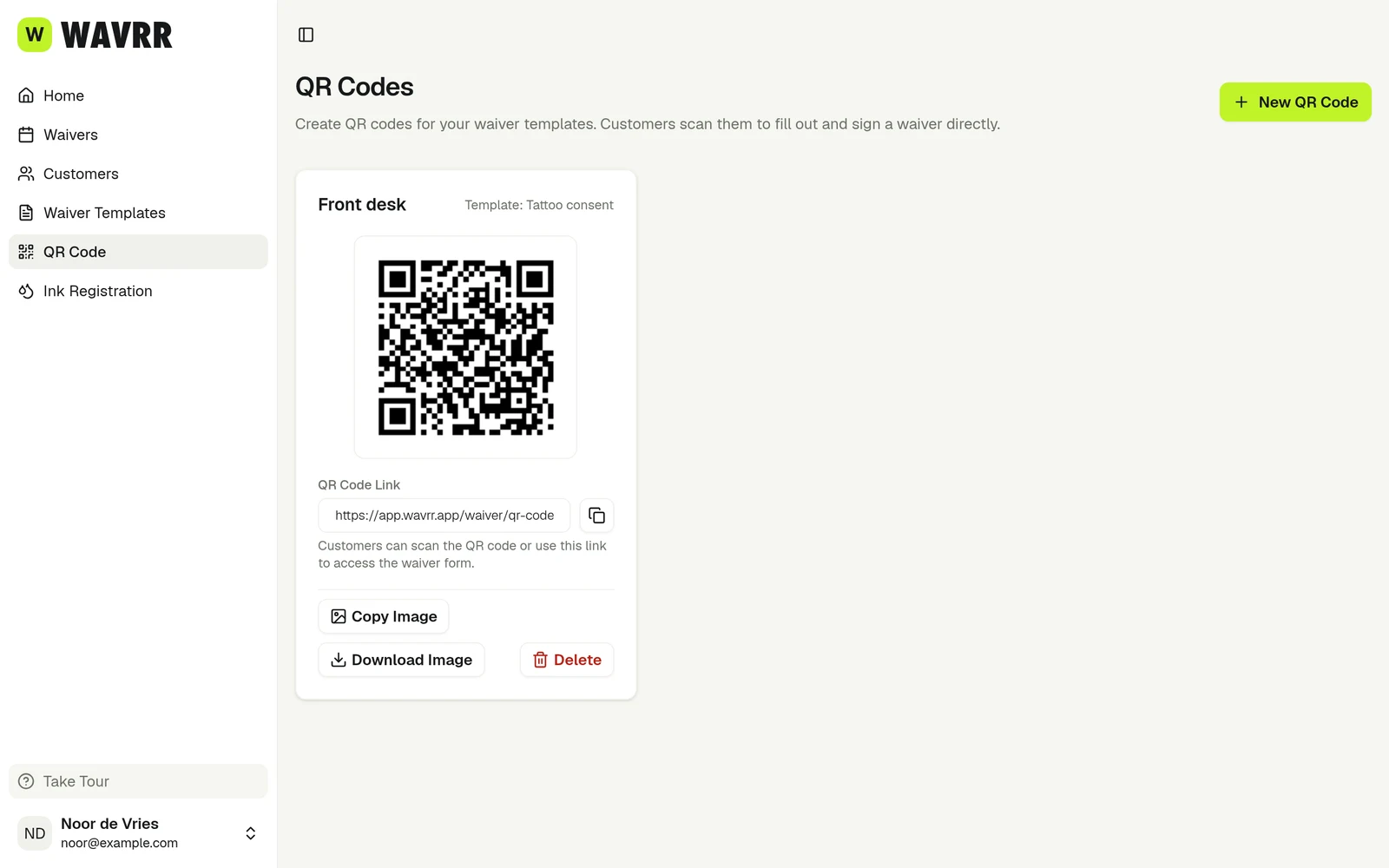
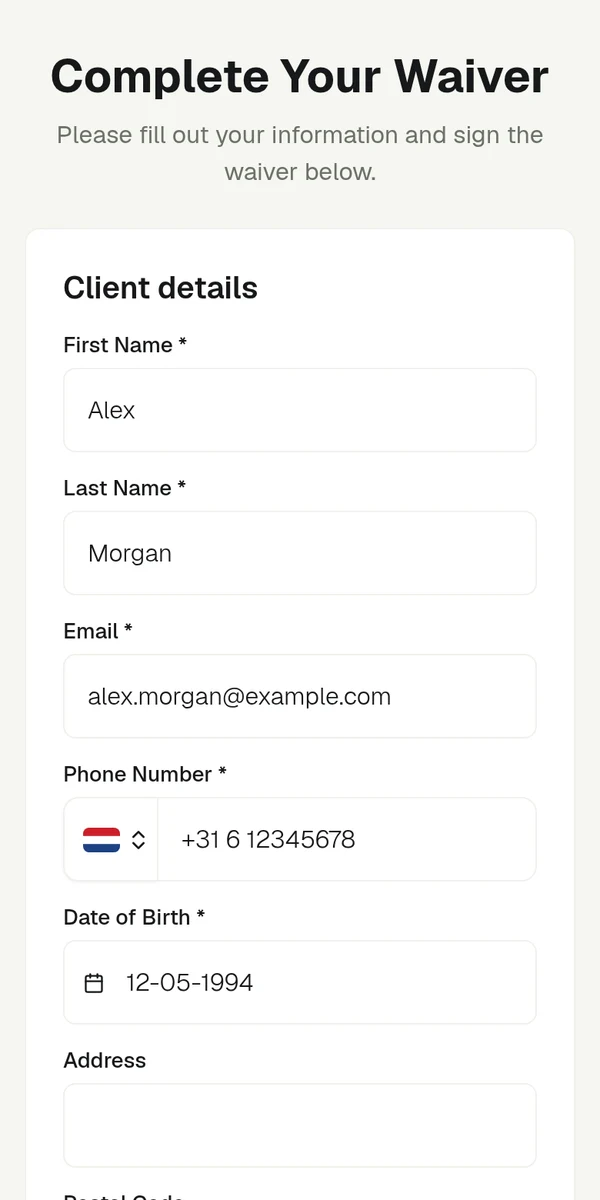
Walk-ins sign at the desk.
Print your QR code or hand over your phone or tablet. After each signature the form offers to start the next one, so a queue moves without you.
- Scan the QR code, fill in, sign
- Your signature right after the client’s
- Guardian signatures when the age requires it

Check the answers, then countersign.
Read the client’s answers, add notes and sign your part. The PDF is created straight away and your client gets a copy by email.
- Artist notes on the signed form
- Photo ID for studios outside the EU
- Automatic confirmation email
Made for a busy studio.
 Waiver signedIn the browser · no app needed
Nothing to install
The form opens in the browser. Clients close the tab when they are done.
 Answer neededDate of birth is required
Mistakes stopped early
Required answers and consent boxes must be filled in before a client can sign.
 Start the next waiverReady for the next client
Shared tablet friendly
Stay signed in on a studio tablet and let any artist start a waiver.
What artists say.

“I always want to be completely prepared for my sessions. Using Wavrr makes sure all necessary forms and client instructions are handled in a very easy and professional way.”
Becca Maurity · @beccamaurity (opens in a new tab) 
“Putting art on clients skin is amazing but it's permanent. It's our job to make sure the client is well informed and fully ready for the session!”
Jeffrey de Vries Andries · @Inkdistrictamsterdam (opens in a new tab) 
“I want my clients to give complete consent before we start. This way we're both at ease, my client is clear on what to expect, and I'm confident they will know how to care for the piece once it's part of them.”
Ozlem Kocahalilogullari · @ozlem.ink (opens in a new tab)
Frequently asked questions
Does my client need an app or an account?
No. They open a link or scan a QR code, fill in the form in their browser and sign with a finger.
When does my client get their copy?
As soon as you add your own signature. Until then the waiver waits at Pending Signature.
Can I collect photo ID?
Studios outside the EU can ask clients to upload a photo of their ID while they sign.