Sending & signing
Share a link, print a QR code, sign in the studio, and collect photo ID.
6 articles
Waiver signedJamie Chen · Tattoo consent · just now
Share a waiver by link
Send a client a link they can open on their own phone to fill in and sign, before or during their appointment.
Print and place a QR code
Put a QR code at your front desk so walk-in clients can scan it and complete their consent form themselves.
Sign in person on a phone or tablet
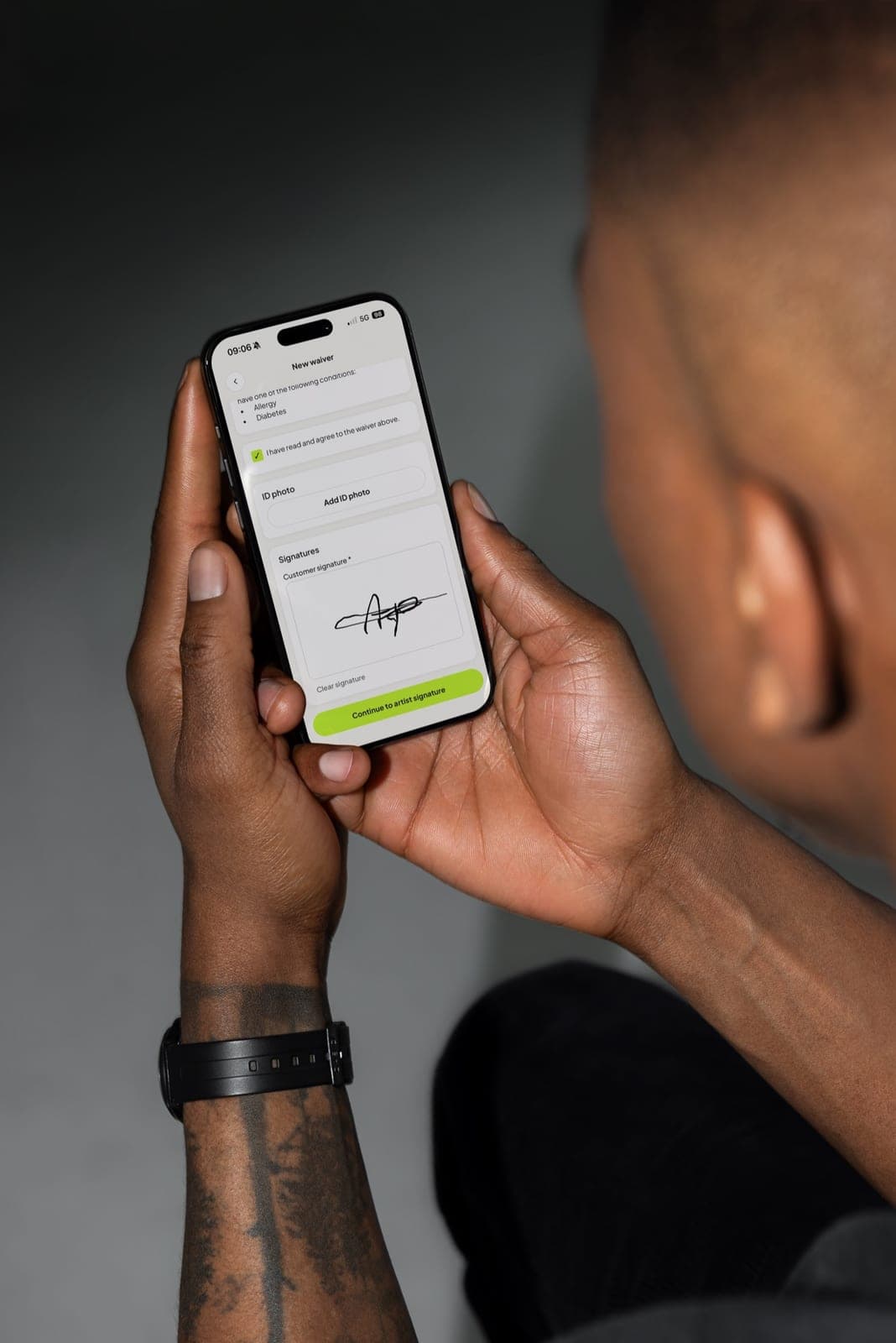
Complete a whole waiver on your own device with the client next to you, then add your signature.
Check the client's answers and add notes when you sign
Review what the client filled in before you countersign, and add artist notes that are printed on the signed waiver PDF.
Ask a client for photo ID
Collect a photo of a passport, ID card or driver's licence as part of the consent form, and know what it costs you in obligations.
What the client sees when they sign
A walkthrough of the signing form from your client's side, so you know what you are sending them.



